
This school year, Northside students may or may not have noticed a new icon in the corner of their Chromebooks, signifying the quiet reintroduction of GoGuardian.
Provided free of charge by Chicago Public Schools (CPS), teachers can use GoGuardian to monitor online activity on student Chromebooks during class time and help students use devices responsibly. Teachers can view student screens in real-time and access recent tabs, among other tools.
A Helpful Classroom Tool
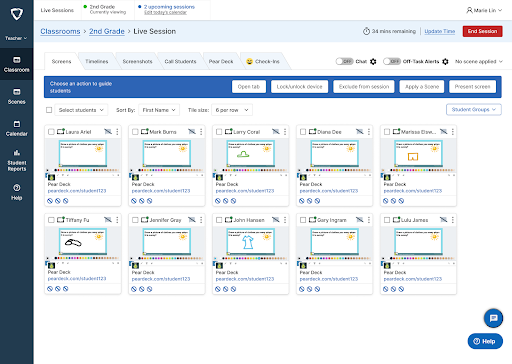
Northside teachers have welcomed GoGuardian as a way to make classes more efficient.
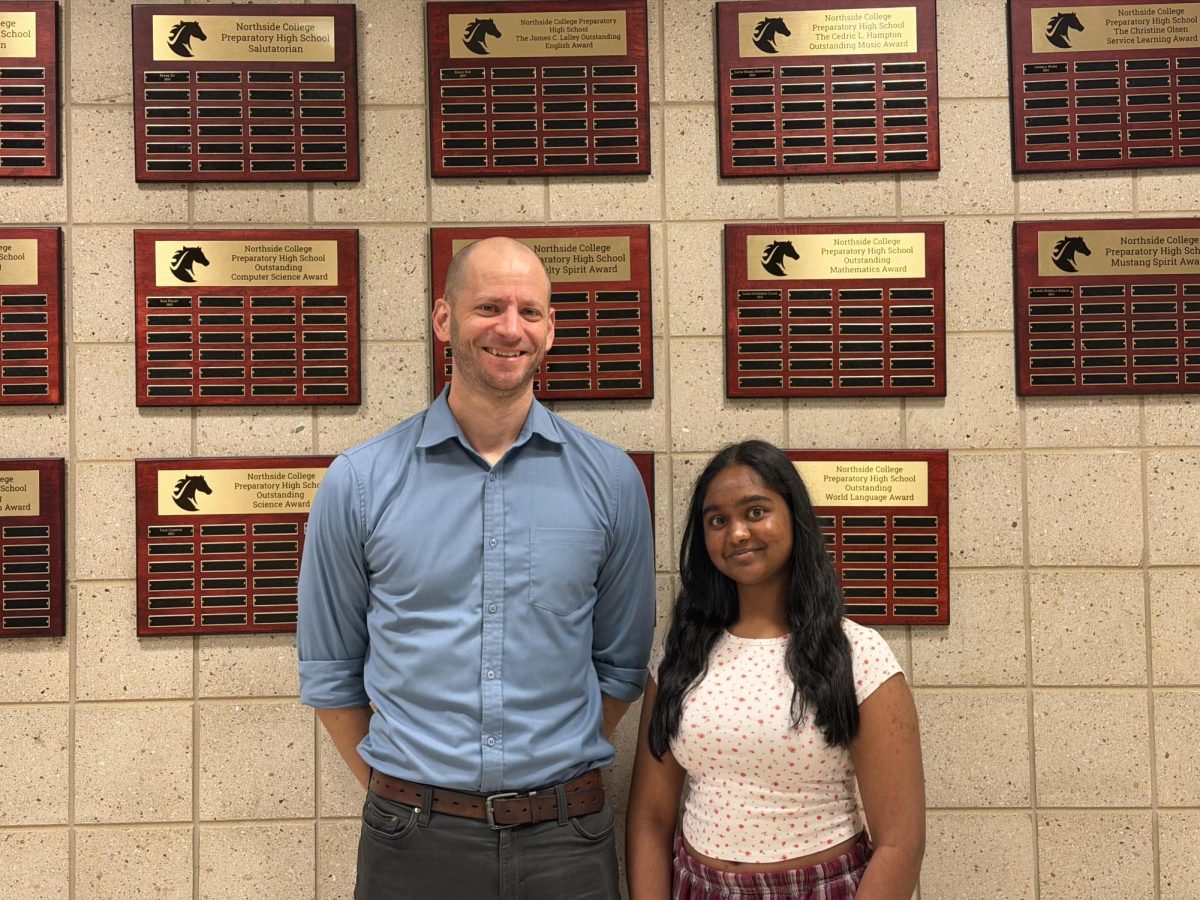
“In a language class, we want students to be completely immersed,” said Sr. Bobby Blease, who teaches Spanish. “Since we only see students for about 200 minutes a week, every minute matters. GoGuardian helps us make sure that time is used for learning.”
Sr. Blease added that the Chrome extension promotes accountability. “It’s not about catching students — it’s about helping them stay focused,” he explained. “When students know their activity is visible, it encourages self-regulation and responsible use of technology.”
He noted that GoGuardian has already improved classroom engagement. “This year, students have been so attentive,” he said.
Students Adjust to Digital Monitoring
For students, the return of GoGuardian has gone relatively unnoticed. Some saw it tucked away in the extensions section of their computers, while others learned about it from their teachers. Senior Shahir Shah first saw its use during a test in science class: “It was pretty cool – our teacher could see all of our screens at the same time to prevent cheating.”
“I understand why it’s there,” said senior Michael Carlson. “It helps teachers keep us on track, and it reminds me to stay focused when we’re working online.”
Senior Christian Reardon says, “If I’m supposed to be researching something for class, I’ll make sure that’s what I’m doing. It’s a reminder that class time is for learning.”
Privacy and Responsibility
GoGuardian operates only during school hours and only on CPS-managed accounts.
“I always close the session right after class,” Sr. Blease said. “It’s limited to academic use and follows CPS data privacy policies.”
Part of the Modern Learning Environment

GoGuardian is a step toward integrating technology into our daily learning as the school continues to balance traditional and digital instruction.
For students and teachers alike, the quiet move to GoGuardian reflects the evolution of Northside classrooms over time.